
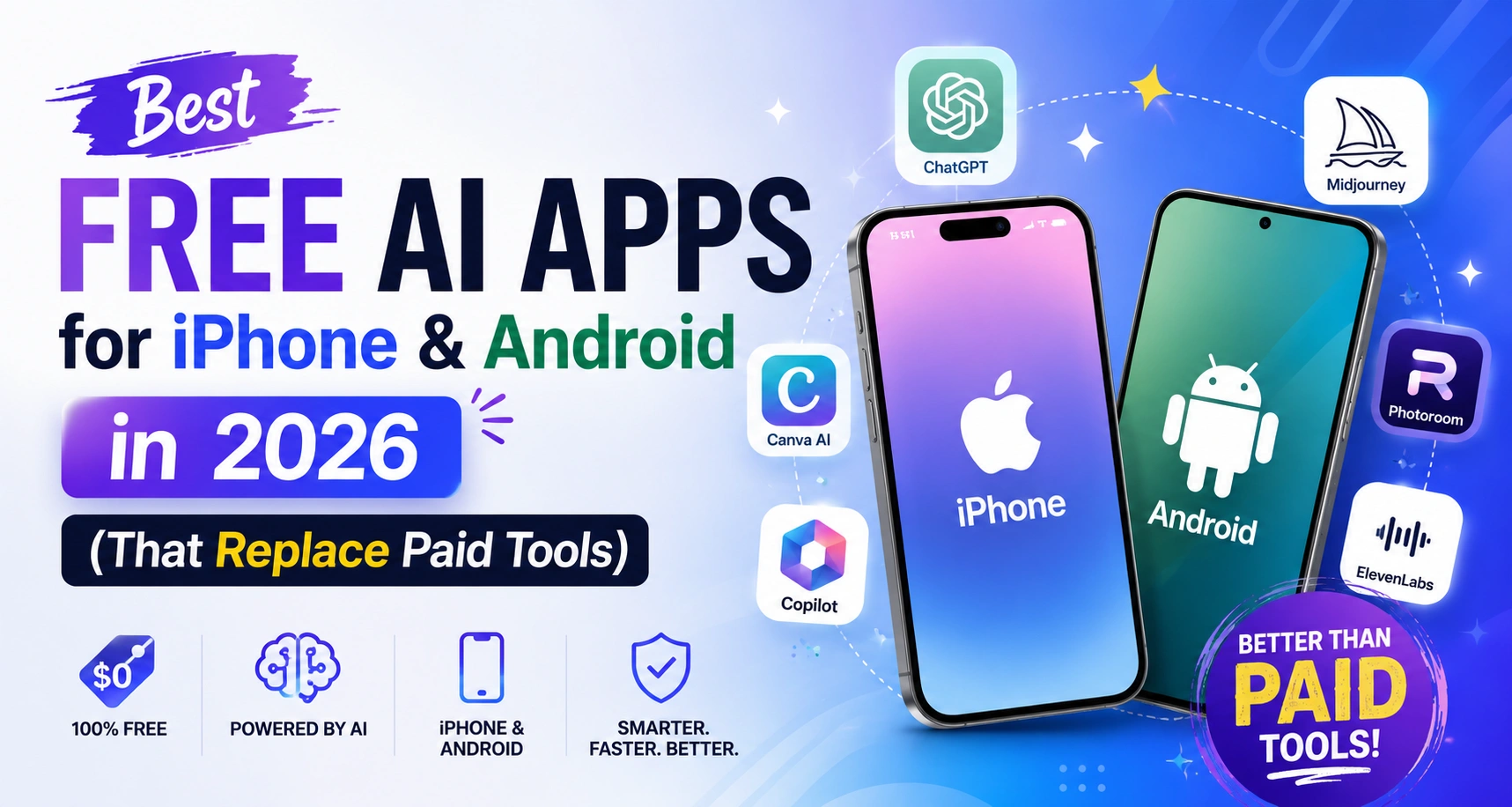
You don’t need a $20/month subscription to use powerful AI on your phone. That might have been true two years ago — but in 2026, the free tiers of the best AI apps are genuinely impressive. We’re talking about tools that generate images, write long-form content, transcribe meetings, edit videos, and answer research questions with cited sources — all without asking for your credit card.
For users in the Philippines, Indonesia, Nigeria, Brazil, Colombia, and across Southeast Asia, Africa, and South America, this matters more than anywhere else. When the best free AI apps 2026 include features that used to cost $30–$50/month, the playing field between a freelancer in Lagos and one in London gets a lot flatter.
This guide covers 10 of the best free AI apps available on iPhone and Android right now — what they actually give you for free, which paid tools they replace, and exactly who should be using each one.
📌 FEATURED SNIPPET TARGET The best free AI apps in 2026 for iPhone and Android are: ChatGPT (best all-rounder), Claude (best for writing), Google Gemini (best for Android/Google users), Microsoft Copilot (free GPT-5 access), Perplexity (best for research), Grammarly (writing), Canva AI (design), CapCut (video), DeepSeek (coding), and Otter.ai (transcription). All have meaningful free tiers requiring no credit card.
📊 DATA POINT: Mobile AI app downloads exceeded 2.5 billion globally in 2025, growing 320% year-over-year. In Southeast Asia, Africa, and South America, AI app adoption is accelerating faster than anywhere else, driven by mobile-first internet access and the zero-cost barrier of free tier tools. — data.ai State of Mobile Report, 2025
The 10 Best Free AI Apps 2026: At a Glance
Here’s the full comparison before we go deeper into each one:
| App | Category | What the Free Tier Gives You | Paid Tool It Replaces | Platforms |
|---|---|---|---|---|
| ChatGPT | AI Assistant | GPT-4o access, voice mode, image input, web search | Paid writing & coding assistants | iOS · Android · Web |
| Claude (Anthropic) | AI Assistant / Writer | Long-form writing, document analysis, daily message allowance | Paid copywriting tools | iOS · Android · Web |
| Google Gemini | AI Assistant | Gemini 1.5 Pro, Gmail/Docs integration, image generation | Google One AI subscription features | iOS · Android · Web |
| Microsoft Copilot | AI Assistant | GPT-5 class model, image generation via DALL-E, no signup needed | Microsoft 365 Copilot ($30/mo) | iOS · Android · Web |
| Perplexity AI | Research / Search | Real-time web answers with citations, 5 Pro searches/day | Paid research & fact-checking tools | iOS · Android · Web |
| Grammarly | Writing | Grammar/spelling/clarity checks, tone detection, 100 AI prompts/mo | ProWritingAid, Hemingway App | iOS · Android · Web |
| Canva AI | Design | AI image generation, Magic Write, background remover, templates | Adobe Express paid tier | iOS · Android · Web |
| CapCut | Video Editing | AI captions, background removal, speech-to-text, auto-cut | Paid video editing apps | iOS · Android |
| DeepSeek | AI Chatbot | Competitive reasoning model, no daily cap on base model, code support | Paid coding assistants | iOS · Android · Web |
| Otter.ai | Transcription | 600 min/month transcription, meeting summaries, speaker ID | Paid transcription services | iOS · Android · Web |
Best Free AI Assistant Apps: ChatGPT, Claude, Gemini & Copilot
1. ChatGPT — The Most Versatile Free AI App
ChatGPT remains the most downloaded AI app globally in 2026, and for good reason. The free tier now includes access to GPT-4o — the same model that powers many premium workflows — with voice conversation mode, image input (point your phone camera and ask questions), and web search included at no cost.
ChatGPT’s free version supports users in Southeast Asia and Africa for writing, translation, coding support, maths, business planning and general Q&A. It is compatible with lower bandwidth connections and is not restricted in most countries in the App Store and Google Play Store.
⚠️ FREE TIER LIMIT: Daily message limits apply on GPT-4o during peak hours. You may be switched to a less capable model if you hit the cap. Most everyday users don’t hit this limit, but heavy users might.
💡 PRO TIP: Set your ChatGPT language to your local language in Settings — it handles Portuguese (Brazil), Tagalog, Bahasa Indonesia, Swahili, Hausa, and dozens more with strong quality. You don’t have to use it in English to get good results.
2. Claude (Anthropic) — Best for Long-Form Writing
Claude’s free mobile app — available on both iOS and Android — is the strongest option for anyone who uses AI for writing. Whether it’s blog posts, business emails, cover letters, or detailed research summaries, Claude produces writing that feels genuinely human rather than formulaic. Its ability to handle long documents — uploading a PDF and asking questions about it — is available on the free tier.
For freelancers in Nigeria, the Philippines, or Colombia who write content for international clients, Claude’s free tier delivers quality that competes directly with tools charging $30/month. The daily message limit is real but generous enough for productive daily use.
3. Google Gemini — Best Free AI App for Android Users
If you use an Android phone and live inside Google’s ecosystem — Gmail, Google Docs, Google Calendar, YouTube — Gemini is the most deeply integrated free AI option available. It’s built into Android and connects directly to your Google apps, letting you ask questions like “summarise the emails from my supplier this week” or “add this to my calendar” without switching apps.
For Android-majority markets like Indonesia, Brazil, and Nigeria (where Android dominates with 85–95% market share), Gemini is arguably the most useful free AI tool available because it works with the apps people are already using, not alongside them.
4. Microsoft Copilot — Free Access to GPT-5 Class Reasoning
This is the most underrated free AI app on this list. Microsoft Copilot gives you access to a GPT-5 class model — with image generation via DALL-E built in — with no account required in many regions and no daily message cap that most users will hit. It’s available on both iPhone and Android.
For users in South America and Southeast Asia who want the most capable reasoning model on a free plan, Copilot is currently the strongest value. It handles complex multi-step tasks, generates professional images from text descriptions, and works in multiple languages without an English-language requirement.
Best Free AI Research App: Perplexity
Perplexity is not a chatbot — it’s an AI-powered search engine that gives you real-time answers with cited sources. Type a question, get a summary with links to the actual sources it used. For students, journalists, researchers, and professionals who need to verify information quickly, this is genuinely transformative.
The free tier offers unlimited basic searches and 5 “Pro” searches per day, which are more powerful and do more digging. The free tier of Perplexity is like a cheap alternative to research databases and premium news subscriptions, and it’s a godsend for a student doing research on a smartphone in Nairobi, Manila or São Paulo.
🔗 READ MORE: Claude vs ChatGPT vs Gemini in 2026: Which AI Is Actually Better for Daily Use?
Best Free AI Productivity Apps: Writing, Design, Video & Transcription
5. Grammarly — The Best Free Writing AI for Non-Native English Speakers
Grammarly’s free tier is one of the most powerful free AI productivity apps available for anyone writing in English. Grammar checks, spelling corrections, clarity suggestions, and tone detection — all free, all working in real time inside your browser, email app, and documents on both iOS and Android.
For professionals in Southeast Asia and Africa communicating in English with international clients, Grammarly’s free tier significantly reduces the friction of writing professionally in a second language. The 100 AI prompts per month included in the free plan add a content generation layer on top of the editing.
6. Canva AI — Free Design Tool That Replaces Expensive Software
Canva’s free tier in 2026 includes AI image generation, a writing assistant (Magic Write), one-click background removal from photos, and access to thousands of templates for social media, presentations, CVs, and business documents. For small business owners, students, and creators, this replaces tools that cost $30–$60/month from competitors.
On mobile, the Canva app is fast, intuitive, and works well on mid-range Android phones — which are the most common devices across Africa, Southeast Asia, and South America. No design experience needed; the AI tools do the heavy lifting.
7. CapCut — The Best Free AI Video Editor
CapCut is already the most downloaded video editing app in the world, and its free AI features are exceptional. Auto-generated captions in multiple languages, AI background removal, speech-to-text, music generation, and auto-cut from raw footage to polished video — all included in the free mobile app.
For content creators in Indonesia, Nigeria, Brazil, and the Philippines building YouTube channels, TikTok content, or Instagram Reels, CapCut’s free AI video tools replace desktop editing software that costs hundreds of dollars per year. The app works on mid-range Android devices and doesn’t require a high-end phone to produce professional-quality outputs.
8. DeepSeek — The Best Free Coding AI for Android
DeepSeek is an AI model from China that became a worldwide sensation by topping the GPT-4 class reasoning challenge without incurring any costs. It offers both iOS and Android mobile applications, and there’s no limit on the base (daily) from these. Coding tasks, maths problem solving, and technical analysis are very good on the mobile app.
For developers and tech students in Southeast Asia and South America who need coding assistance but can’t afford GitHub Copilot or ChatGPT Plus, DeepSeek is the most capable free alternative currently available.
9. Otter.ai — Free Meeting Transcription
Otter.ai transcribes audio and meetings in real time — identifying different speakers, creating summaries, and allowing you to search the transcript afterwards. The free tier gives 600 minutes of transcription per month, which is enough for most small business owners and freelancers.
For virtual assistants, project managers, and business owners in the Philippines, Kenya, and Colombia who attend multiple client calls weekly, Otter’s free tier replaces transcription services that charge per minute and services like Zoom’s AI companion that are only available in paid plans.
How to Choose the Right Free AI App for Your Situation
With ten strong options, the risk is downloading all of them and using none properly. Here’s a simple decision guide:
- Need a general AI assistant for daily tasks? Start with ChatGPT (most versatile) or Copilot (most generous free tier on reasoning tasks).
- Write content for clients or your business? Claude is the strongest free AI writing tool on mobile, full stop.
- Use Android and live in Google’s ecosystem? Install Gemini. It’s already on your phone and connects to apps you’re using every day.
- Do research, journalism, or academic work? Perplexity gives you cited, real-time answers that generic chatbots can’t match.
- Create social media content or videos? CapCut for video, Canva AI for design — both are free and built for mobile-first creators.
- Write professionally in English as a second language? Grammarly’s free tier is the most impactful upgrade you can make to your communication.
- Code or study tech? DeepSeek is the strongest free option for coding support and technical problem-solving without a subscription.
- Take calls and client meetings? Otter.ai gives you 600 minutes of monthly transcription that will change how you manage meeting notes.
💡 PRO TIP: You don’t need to pick just one. Most productive users in 2026 have two or three AI apps for different tasks: a general assistant (ChatGPT or Copilot), a writing tool (Claude or Grammarly), and a specialist app (CapCut, Canva, or Perplexity). All free, all on your phone.
🔗 READ MORE: 10 Real Ways People Made $1,000/Month Using AI in 2026 (With Proof)
Final Thoughts
The best free AI apps 2026 have genuinely closed the gap between what you can do with no budget and what was previously only available to teams with premium subscriptions. ChatGPT writes, Copilot reasons, Claude polishes, Gemini integrates, Perplexity researches, Grammarly edits, Canva designs, CapCut edits video, DeepSeek codes, and Otter.ai transcribes — all from a phone, all free.
This isn’t just a minor upgrade for Southeast Asia, Africa and South America’s users who build careers, businesses and income streams. It’s a change in the way people access. What professionals in expensive cities pay hundreds/month for, is now in your iPhone or Google Play, waiting to be downloaded. Now it’s just a choice on which one to begin today.
Frequently Asked Questions (FAQs)
Q1. What is the best free AI app for Android in 2026?
For Android users, Google Gemini is the best integrated free AI app because it’s built into the operating system and connects directly to Gmail, Google Docs, and Calendar. For a standalone AI assistant, ChatGPT and Microsoft Copilot both offer strong free tiers on Android. For writing, Claude is the best free option. For video content, CapCut is unmatched in the free category.
Q2. Which free AI apps don’t require a credit card to sign up?
There’s no credit card needed for most of the best free AI apps in 2026, only an email address is required. In most countries, there is no need to sign up for Microsoft Copilot. You can sign up for a free account on ChatGPT, Claude, Gemini, Perplexity, Grammarly, CapCut, Canva and Otter.ai for free with only an email address or via Google/Apple sign-in. With basic queries, one can also use DeepSeek via browser without being registered.
Q3. Are there good free ChatGPT alternatives for mobile?
Yes — the best free ChatGPT alternatives in 2026 include Microsoft Copilot (offers GPT-5 class reasoning for free with no daily message cap for most tasks), Google Gemini (deeply integrated with Android and Google apps), DeepSeek (strong at coding and reasoning with no base-model cap), and Claude (strongest for long-form writing and document analysis). All are available on both iOS and Android.
Q4. Do these free AI apps work on budget Android phones?
Yes — all ten apps on this list are optimised for mobile and work on mid-range Android devices common across Southeast Asia, Africa, and South America. CapCut and Canva are particularly well-optimised for lower-spec devices. Web browser versions of ChatGPT, Claude, and Perplexity are an alternative if storage space is limited, requiring no app installation.
Q5. What can free AI apps actually do vs paid versions?
Free tiers in 2026 are significantly more capable than they were 18 months ago. Free users can: access GPT-4o/5 class models (ChatGPT, Copilot), generate AI images (Copilot, Canva), transcribe meetings (Otter.ai, 600 min/month), edit videos with AI (CapCut, full features), and get real-time research with citations (Perplexity). Paid tiers primarily offer higher usage limits, priority access during peak times, and advanced speciality features — not a fundamentally different core experience.