
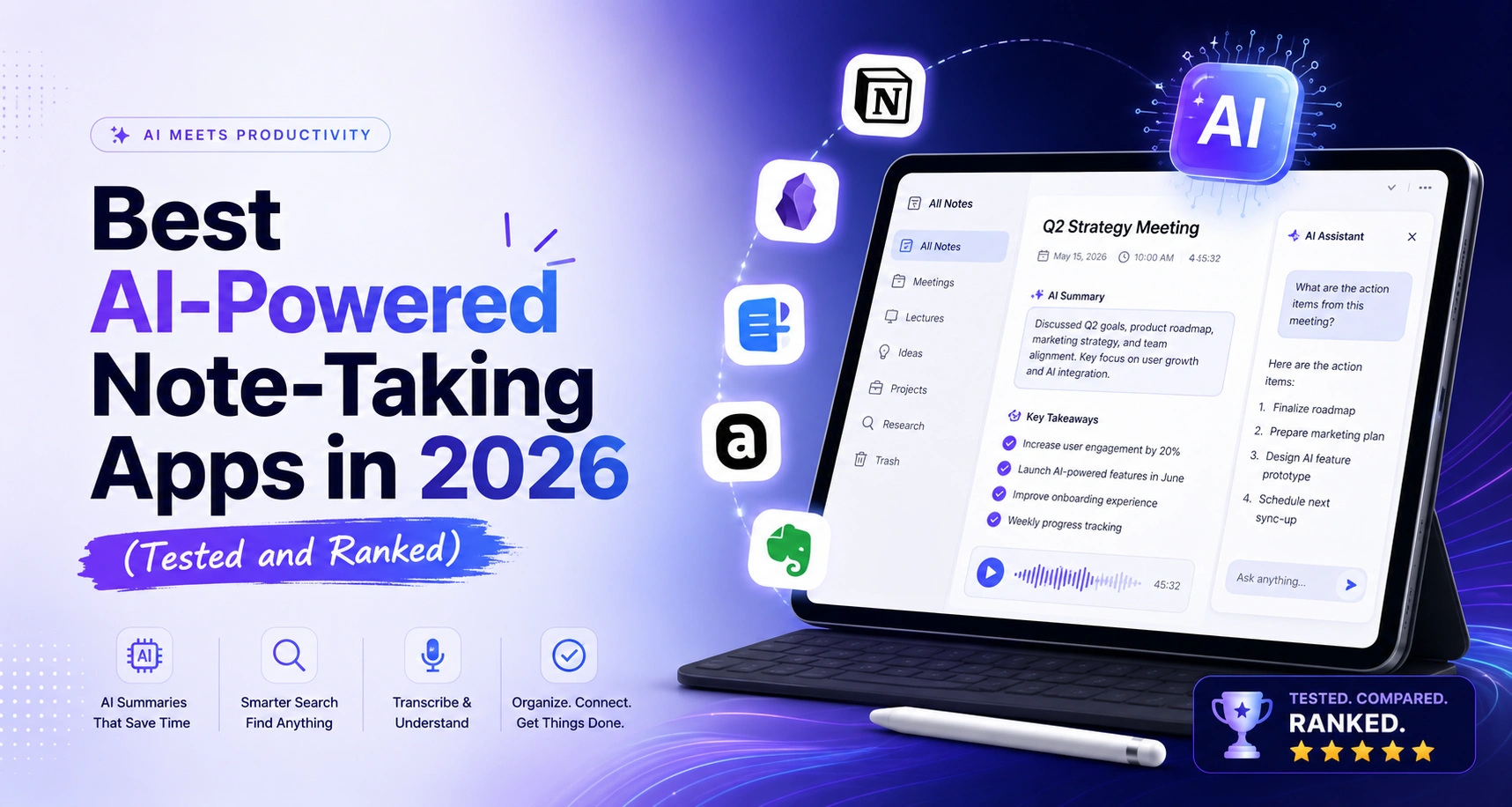
I spent the better part of a month jumping between free trials, cheap paid plans, and hours of test meetings to figure out which AI note-taking apps are actually useful in 2026 — and which ones are just glorified recorders with a ChatGPT wrapper slapped on top.
The difference matters more than ever. The AI note-taking market is growing at over 21% annually, and nearly every major productivity platform has shipped some version of an AI notes feature. Most of them are mediocre. A handful are genuinely good. And a couple have become tools I now find hard to work without.
This guide breaks down the best options by use case, with a clear pricing comparison so you know exactly what you’re paying for before you commit.
What Makes an AI Note-Taking App Actually Good?
Before getting into specific tools, it helps to know what separates a strong AI note-taker from a forgettable one. Most articles skip this part. They shouldn’t.
Capture method: bot vs. bot-free
This is the split most people don’t know to ask about. Bot-based tools — like Fireflies or Otter.ai — send a virtual participant into your video call. Everyone in the meeting can see it. That works fine for internal team meetings. It gets awkward in client calls, interviews, or any setting where a visible recording bot creates friction.
Bot-free tools like Granola and Krisp capture audio directly from your device without joining the call as a participant. No one sees anything. For a lot of professionals, that distinction alone decides which tool they use.
AI quality: summarize vs. understand
Almost every app in 2026 can transcribe speech and produce a summary. The better tools go further. They identify speakers, pull out specific action items, flag decisions made, and let you search back through past meetings using plain language questions. If an AI note-taker just hands you a wall of transcript text with a three-sentence summary at the top, it hasn’t saved you much work.
Integrations that actually matter
The most useful AI note tools connect to where your work actually lives. Think Zoom, Google Meet, Microsoft Teams for capture — then Notion, Slack, HubSpot, or Salesforce for where the notes go afterward. If you have to manually copy action items from your notes app into your project manager, you’ve eliminated half the time savings.
Free plan vs. paid value
Several strong tools offer genuinely useful free tiers. Others make the free version so limited it functions mainly as a demo. Understanding what you get for free — and where the paywall sits — is critical before you build a workflow around a tool.
The Best AI Note-Taking Apps 2026 (Ranked)
Here are the seven tools worth your time in 2026, based on real testing across different workflows.
1. Notion AI — Best for Teams Already Living in Notion
If your team already runs inside Notion for documentation, project tracking, or wikis, Notion AI is the easiest upgrade you can make. It adds AI summarization, page-level Q&A, and auto-generated action items directly inside the workspace you already use.
The limitation is real and worth knowing upfront: Notion AI does not record meetings or transcribe audio. It works entirely on text that already exists in your Notion pages. If you need voice capture or live transcription, this is not that tool. But for synthesizing long meeting notes someone already typed, generating summaries from a page of bullet points, or answering questions across a large knowledge base — it works well and requires zero workflow change for existing Notion users.
Best for: Teams with existing Notion workspaces who want smarter text processing, not voice capture. Pricing: Notion Plus at $10/month + AI add-on at $10/month. Effective cost for AI features: $20/month minimum.
2. Otter.ai — Best for Real-Time Transcription
Otter.ai has been around long enough that most people have tried it, and it holds up. The real-time transcription is fast and accurate, the speaker identification works reliably, and the shared transcript feature makes it genuinely useful for teams — not just individuals.
What sets Otter apart from pure recorders is its automated meeting summaries and the ability to ask the AI questions about a past conversation. If you remember a specific point being raised in a call two weeks ago but can’t find it, Otter can surface it in seconds.
With 300 transcription minutes available each month, the free plan is ideal for light or occasional use. Paid subscriptions offer unlimited transcription time along with enhanced integrations and additional premium capabilities.
Best for: Remote workers and teams who need reliable real-time transcription with solid sharing features. Pricing: Free (300 mins/month), Pro at $16.99/month, Business at $30/user/month.
3. Fireflies.ai — Best for Sales Teams and Conversation Intelligence
Fireflies goes beyond transcription into what the industry calls conversation intelligence — and it does it better than most tools in this price range. After recording your sales call or team meeting, it layers on talk-time analysis, sentiment signals, and what it calls AI skills: pre-built filters that highlight objections, competitor mentions, pricing discussions, and next steps.
Setup is genuinely frictionless. You sign up, connect your calendar, and Fireflies sends Fred (its bot) into your meetings automatically. It supports 69 languages and works across Zoom, Teams, Google Meet, and Webex.
For individual note-taking, Fireflies may be overkill. For sales teams who want to coach on call quality, track competitor mentions, or auto-populate CRM records from call transcripts, it earns its cost quickly.
Best for: Sales teams, account managers, and anyone who needs conversation analytics on top of basic transcription. Pricing: Free (800 minutes of storage), Pro at $18/month, Business at $29/month.
4. Google NotebookLM — Best for Researchers and Students
NotebookLM launched with a specific promise: an AI that works exclusively from the sources you give it, never from the broader internet. In practice, that makes it one of the most useful research tools available for free.
You upload your PDFs, Google Docs, YouTube videos, or pasted text. NotebookLM reads them, builds a knowledge base, and lets you ask questions, generate summaries, and even create podcast-style audio overviews of your material — a feature that’s become genuinely popular for students reviewing dense content before exams.
It does not record meetings or capture voice in real time. Its strength is deep synthesis of written material you already have. For students writing research papers, academics reviewing literature, or anyone processing large volumes of reading — it’s an exceptional free tool.
Best for: Students, researchers, and writers who need to synthesize large amounts of written material. Pricing: Free (Google account required).
5. Granola — Best Bot-Free Option for Professionals
Granola takes a different approach to the problem. Rather than sending a bot into your call or replacing your note-taking entirely, it sits quietly in the background, captures your meeting audio directly from your device, and uses that audio to enhance the rough notes you take yourself during the call.
The result is a blend of your own observations — the things you chose to write down — and AI-generated context that fills in the gaps. It feels more like a smart co-author than a replacement. And because no bot joins the call, there’s nothing for other participants to notice or object to.
It’s not the right tool if you want zero-effort, fully automated notes. It works best for professionals who still want to stay engaged in the conversation and just want AI to make their manual notes better.
Best for: Consultants, executives, and freelancers who prefer privacy and want AI assistance, not full automation. Pricing: Free tier available, Pro at $18/month.
6. Krisp — Best for Noisy Environments
Krisp started as a noise-cancellation tool, and that origin story shapes what makes it different. The AI note-taking features sit on top of genuinely best-in-class audio processing — bidirectional noise cancellation that works in busy offices, coffee shops, or open-plan spaces where every other tool struggles.
For remote workers in loud environments, Krisp solves a problem the other tools don’t even try to address. The AI summaries and action item extraction are solid. The unlimited free transcription is unusual and genuinely generous for a free tier.
Best for: Remote workers in noisy environments, hybrid teams, and anyone whose audio quality undermines other transcription tools. Pricing: Free (unlimited transcription), Pro at $16/month.
7. Obsidian + AI Plugins — Best for Personal Knowledge Management
Obsidian is different in kind from every other tool on this list. It’s a local-first, markdown-based note editor with a plugin ecosystem that includes several strong AI integrations. Nothing is stored in anyone’s cloud by default — your notes live on your own device.
The AI features come through community plugins like Smart Connections or Obsidian Copilot. They let you ask questions across your entire note library, surface related notes automatically, and generate summaries or outlines from existing content. The learning curve is real, and setting up AI features requires some configuration. But for writers, researchers, or knowledge workers who want complete privacy and a system that compounds over years, there’s nothing quite like it.
Best for: Power users, writers, and researchers who want privacy, longevity, and deep customization over ease of setup. Pricing: Free (Obsidian), AI plugins free to $10/month. Obsidian Sync at $10/month if you want cloud backup.
AI Note-Taking Apps Compared: Pricing and Features
| App | Free Tier | Paid Plan | AI Included | Bot-Free | Best For |
|---|---|---|---|---|---|
| Notion AI | No | $10/mo + $10 AI add-on | Yes (text only) | Yes | Existing Notion teams |
| Otter.ai | 300 mins/mo | From $16.99/mo | Yes | No | Real-time transcription |
| Fireflies.ai | 800 min storage | From $18/mo | Yes | No | Sales teams |
| NotebookLM | Yes (full) | Free | Yes | Yes | Research & study |
| Granola | Limited | $18/mo | Yes | Yes | Privacy-conscious pros |
| Krisp | Unlimited transcription | $16/mo | Yes | Yes | Noisy environments |
| Obsidian | Yes (full) | Plugins vary | Via plugins | Yes | Power users |
Which AI Note-Taking App Should You Use?
This is the question most articles bury or avoid. Here’s a direct answer by user type.
For students
Use NotebookLM first. It’s free, it works from your uploaded lecture slides, readings, and notes, and the audio overview feature is genuinely useful for revision. If you need live class transcription, add Otter.ai’s free plan.
For remote workers and meeting-heavy roles
Use Otter.ai if you want the most reliable real-time transcription without complexity. Use Granola if you attend sensitive client calls and need a bot-free option. Use Krisp if audio quality in your environment is the main problem.
For sales teams
Fireflies.ai is the clear choice. The conversation intelligence features — talk time, objection tracking, CRM sync — justify the price for any team doing meaningful call volume.
For researchers and writers
NotebookLM handles research synthesis better than anything else at any price. Obsidian with AI plugins is the right long-term system if you’re building a personal knowledge base over years.
Read More:- Claude vs ChatGPT vs Gemini in 2026: Which AI Is Actually Better for Daily Use?
Frequently Asked Questions
Q.1 What is the Best AI Note-Taking Apps 2026?
Google NotebookLM is the strongest free option for research and study. Krisp offers unlimited free transcription for meetings. Otter.ai gives 300 minutes per month at no cost. For most people who need meeting transcription, Krisp’s free tier is the most generous starting point.
Q.2 Is Otter.ai or Fireflies better?
It depends on what you need. Otter.ai is better for individual users who want clean real-time transcription and easy sharing. Fireflies is better for sales teams and organizations that need conversation analytics, CRM integration, and call coaching features on top of transcription. Otter is simpler; Fireflies goes deeper.
Q.3 Are AI note-taking apps private and secure?
It varies significantly by tool. Bot-based tools like Fireflies and Otter send audio to external servers, which some organizations restrict. Bot-free tools like Granola and Krisp keep processing more local. Obsidian stores nothing in the cloud by default. If privacy is a priority, check each tool’s data processing documentation before committing, and confirm your organization’s policies on third-party recording tools in meetings.
Q.4 Can AI note-taking apps replace manual notes entirely?
For most people in most meetings, yes — with the caveat that reviewing and light editing of AI summaries takes a few minutes and matters for accuracy. The best current tools get action items and key decisions right about 85–90% of the time. Granola’s model (AI enhances your own notes rather than replacing them) is a middle path that many professionals prefer for important calls.
Q.5 What is the difference between bot and bot-free note-takers?
Bot-based tools join your video call as a visible participant — usually showing up with a name like “Otter Assistant” or “Fireflies Fred.” Everyone in the meeting can see them. Bot-free tools record audio directly from your device and never appear in the participant list. Bot-free is better for client calls, sensitive conversations, or any meeting where a visible recording presence would be awkward.
Read More:- What Is an AI Agent? Here’s What It Actually Means
The Bottom Line
Best AI Note-Taking Apps 2026 is the one that fits the way you already work. For teams inside Notion, Notion AI is a natural add-on. For real-time transcription in standard meetings, Otter.ai is hard to beat. For sales, Fireflies is the specialist. For research, NotebookLM is genuinely impressive at zero cost.
The category has matured fast. What felt like a novelty in 2023 is now baseline productivity infrastructure for a lot of teams. The tools above are the ones that actually earned a place in a real workflow — not just the ones with the best marketing.