

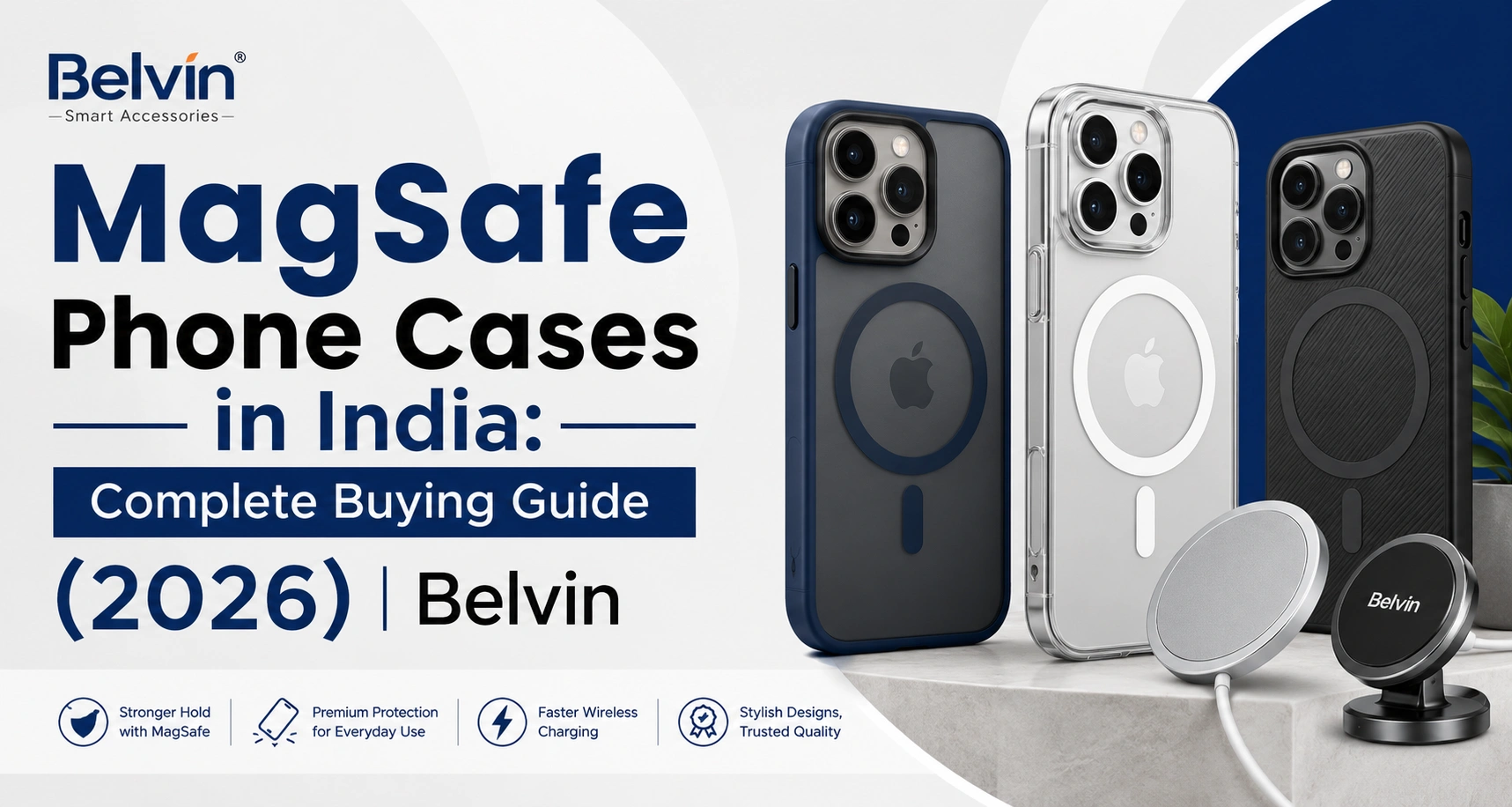
If you have ever placed your phone on a wireless charger and watched it charge at half the speed it should, a misaligned case is usually the reason. MagSafe was built to solve exactly this problem, but most buying guides are written for the US or UK market — not for Indian summers, INR budgets, or the specific iPhone and Android models sold here.
This guide breaks down how MagSafe actually works, what it costs to get right, and how to choose a case that will not fight against your charger, your ports, or Delhi’s afternoon heat.
What Does “MagSafe Compatible” Actually Mean?
MagSafe is Apple’s ring of magnets built into the back of the iPhone (from iPhone 12 onward). It does two things: it snaps your phone into perfect alignment on a compatible charger, and it lets accessories like wallets, stands, and car mounts click on securely instead of resting loosely on top.
A “MagSafe compatible” case simply has its own ring of magnets embedded in the back, positioned to line up exactly with the phone’s built-in magnets. If that ring is off by even a few millimetres, or if the magnets are weak, the case defeats the purpose it was bought for.
For Android phones — Samsung Galaxy, OnePlus, Google Pixel — there is no built-in MagSafe magnet ring. A “MagSafe compatible” case for these phones works by adding a magnetic plate or ring to the case itself, which then works with any Qi2 or magnetic charger. It is a genuinely useful upgrade, but it is a different mechanism from true Apple MagSafe.
Why MagSafe Alignment Matters More in India Than People Realise
This is the part most global guides skip.
- Charging speed drops fast with poor alignment. iPhone 16 and newer support up to 25W MagSafe charging; iPhone 15 and older top out at 15W. A case with weak or slightly off-centre magnets can silently pull that down to 10W or 7.5W. You will not see a warning — your phone will just charge slower and run warmer while doing it.
- Heat is a bigger issue in Indian conditions. Wireless charging already generates more heat than a cable. Add a thick case, a poorly ventilated charger, and a warm room in Chennai, Mumbai, or Hyderabad, and that heat has nowhere to go. Thin, well-designed MagSafe cases in breathable materials help the phone shed heat instead of trapping it. If you want the deeper explanation of why cases heat up (and which materials stay coolest), Belvin has a full breakdown in Do Phone Cases Cause Heating?
- Dust and humidity affect magnet performance over time. Cheap magnet rings can weaken faster in high-humidity coastal cities. Look for cases that specify N52-grade magnets — these hold their strength longer than unrated generic magnets used in budget cases.
MagSafe Case Buying Checklist
| What to check | Why it matters |
|---|---|
| Magnet ring position | Must align exactly with your phone model — even one generation off can shift alignment |
| Magnet grade (N52 preferred) | Stronger, longer-lasting hold and better charging contact |
| Case thickness at the back | Thicker backs reduce charging efficiency and trap more heat |
| Material | TPU/silicone hybrids balance grip and heat dissipation better than hard polycarbonate alone |
| Port and camera cutouts | Precision-cut openings prevent charging cable and lens interference |
| Wireless charger compatibility | Confirm the case works with your existing charger’s wattage, not just “any Qi charger” |
If you are also deciding between case materials in general (not just MagSafe), Belvin’s Silicone vs TPU vs Polycarbonate guide covers durability, grip, and cost trade-offs in more depth.
MagSafe Cases by Phone Series
iPhone 17 series — The newest magnet ring placement; only cases designed specifically for iPhone 17 will align correctly. Avoid “universal iPhone” cases sold cheaply online. See Belvin’s iPhone 17 Series collection.
iPhone 16 series — Supports full 25W MagSafe charging, so a good case here actually delivers a speed benefit, not just convenience. Browse the iPhone 16 Series collection.
iPhone 15 and 14 series — Capped at 15W regardless of case quality, but alignment still matters for accessory snap-on (wallets, mounts). Explore iPhone 15 and iPhone 14 options.
Samsung, OnePlus, Google Pixel — Since these don’t have native MagSafe magnets, pick a case with an integrated magnetic ring and pair it with a Qi2-certified charger for the most reliable experience. See the Samsung, OnePlus, and Google collections.
Pairing Your Case With the Right Charger
A great MagSafe case paired with a low-quality charger still gives disappointing results. When shopping for a charger to go with your new case:
- Match the charger’s wattage to your phone’s supported speed (15W or 25W)
- Choose chargers with built-in temperature control for safer overnight charging
- Keep a power bank with MagSafe support for travel days
Belvin’s Wireless Chargers and Power Banks collections are built to work reliably with MagSafe-compatible cases, including the thermal-friendly materials covered in the case-heating guide above.
Common MagSafe Case Mistakes to Avoid
- Buying a case without checking the exact model number. iPhone 16 and iPhone 16 Pro have different dimensions — a case made for one will not align magnets correctly on the other.
- Assuming “magnetic” means “MagSafe.” Some budget cases use a simple metal plate for car mounts with no proper magnet ring — these won’t support wireless charging snap-on at all.
- Ignoring case thickness on power banks. A thick case may prevent a MagSafe power bank from attaching flush, weakening the magnetic hold during movement.
- Skipping a screen protector. MagSafe alignment is separate from screen protection — pair your case with a proper tempered glass protector for full-device coverage.
Frequently Asked Questions
Q.1 Does a MagSafe case work with any wireless charger?
It works with any Qi-certified charger, but you only get the snap-alignment and full charging speed benefits with a Qi2 or genuine MagSafe charger.
Q.2 Will a MagSafe case slow down my charging?
Only if the magnets are misaligned or the case back is unusually thick. A well-made case designed for your exact phone model should not reduce charging speed.
Q.3 Can I use a MagSafe case on a Samsung or OnePlus phone?
Yes — these cases add their own magnetic ring since the phone itself has no built-in MagSafe magnets. Pair with a Qi2 charger for best results.
Q.4 Do MagSafe cases cause the phone to heat up faster?
The case itself doesn’t generate heat, but a thick or poorly ventilated case can trap heat generated during wireless charging. Thinner, breathable materials perform better, especially in Indian summers.
Q.5 Is MagSafe worth it for iPhone 15 users, since it only supports 15W?
Yes, if you value the accessory ecosystem — wallets, car mounts, and stands that snap on securely — even if the charging speed benefit is smaller than on iPhone 16 and newer.
Final Thoughts
A MagSafe case is a small purchase that quietly affects three things every day: how fast your phone charges, how much heat it builds up, and how well your other accessories stay attached. Getting the magnet grade, alignment, and material right matters more in Indian conditions than most global guides let on.
Browse Belvin’s MagSafe-compatible cases across Apple, Samsung, and OnePlus collections, and pair your pick with a matching wireless charger for the full experience.